Manim Physics: Animate Real-World Physics
Table of Contents
Want to animate a swinging pendulum? A magnet’s field? Light bending through a lens? There’s a plugin for that.
manim-physics adds real physics simulations to Manim.
What is manim-physics?
It’s a free plugin created by 數心 (Matheart). It adds physics to your animations. Real physics, not fake motion you draw by hand.
Normally, if you want a ball to fall, you have to tell Manim exactly where the ball should be at every moment. That’s a lot of work. With manim-physics, you just define a ball and gravity. The plugin figures out the rest. The ball falls like it would in real life.
This works for all kinds of things. Objects can bounce, spin, crash into each other, and react naturally. You set up the scene. Physics does the animation.
What can it do?
The plugin covers four main areas.
Rigid body mechanics
“Rigid body” just means solid objects. Things that don’t squish or bend. Balls, boxes, blocks.
You create a space with gravity, add objects, and press play. Drop a ball, it falls. Throw a box, it tumbles. Stack blocks, they balance or collapse.
The plugin handles all the math. Gravity pulls things down. Objects bounce when they hit each other. Heavy things push light things around. You don’t calculate any of this yourself.
Pendulums
A pendulum is a weight hanging from a string that swings back and forth. You’ve seen them in old clocks.
Manim-physics makes pendulums easy. Create one and it swings on its own. The timing and motion look real because they follow real equations.
You can also make multi-pendulums, where you hang one pendulum from another. These move in wild, unpredictable ways. They look mesmerizing and are good for showing how small changes lead to big differences (chaos theory, basically).
Electromagnetism
Electricity and magnetism are invisible. That makes them hard to explain. This module makes them visible.
You can place electric charges in your scene. Positive charges, negative charges. The plugin draws the field lines between them, showing how the charges push and pull on each other.
Same with magnets. Place a wire with electric current flowing through it. The plugin shows the magnetic field around it. Students can finally see what they could only imagine before.
Optics
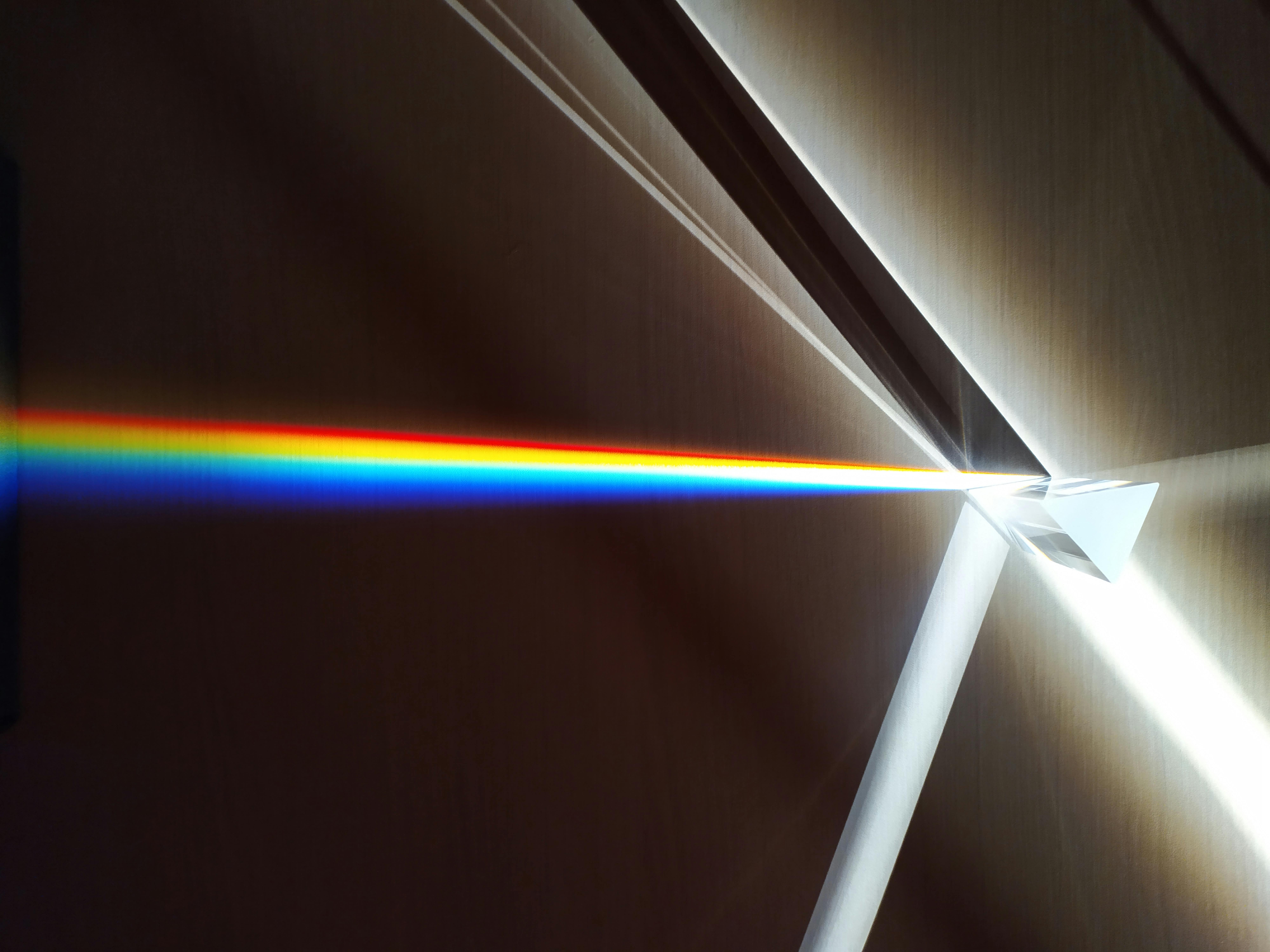
This module lets you create lenses and shoot light rays at them. The plugin calculates the bending angles for you, so your animation shows exactly how lenses focus light.
Useful for explaining how glasses work, how cameras focus, or why pools look shallower than they are.
Waves
Waves are everywhere. Sound, light, ripples in water. This module animates them in three types:
- Linear waves that travel in a straight line, like shaking one end of a rope
- Radial waves that spread out in circles, like ripples from a pebble in a pond
- Standing waves that stay in place but vibrate, like a plucked guitar string
Waves are hard to draw by hand because they need to move just right. This plugin handles the motion so you can focus on the content.
Why use it?
Physics is hard to explain with pictures. Pictures don’t move. Physics does.
When you show a ball falling, students see gravity. When you show waves spreading, they understand how sound travels. Motion makes concepts click.
And these aren’t fake animations. The plugin uses real physics equations, so the simulations are accurate.
The hard part
Manim-physics is powerful, but it’s still Python code. You need to learn the syntax, know which classes to use, and debug errors when things break.
For many people, that’s a wall. They want physics animations, not a programming exercise.
Animo can help
Animo writes Manim code for you. You describe what you want in plain English. It writes the Python.
It works as an extension in your code editor (VS Code, Cursor, Windsurf, Kiro). Install it and start talking to it.
Want a pendulum? Type “create a pendulum that swings back and forth.” Want bouncing balls? Type “drop three balls and let them bounce.” Animo understands manim-physics. It knows the classes, the methods, the syntax.
The code appears in your editor. You run it. You get your animation.
Learn more
Check out the official documentation for technical details.
Or head to Animo and start making physics animations. Pendulums, collisions, electric fields, light rays, waves.