Manim Astronomy: Animate the Universe
Table of Contents
Want to show a planet orbiting a star? A black hole bending space? The solar system in motion? There’s a plugin for that.
manim-astronomy brings the universe to your Manim animations.
What is manim-astronomy?
It’s a free plugin created by Hassam ul Haq. It adds space objects to your animations: planets, stars, orbits, and the fabric of spacetime itself.
Normally, animating astronomy means drawing spheres, calculating orbital paths, and getting everything to move at the right speed. With manim-astronomy, you define a planet and its orbit. The plugin does the rest.
The output is 3D animations of celestial objects moving through space without needing to do the orbital math yourself.
What can it do?
Four main features.
Celestial bodies
These are your building blocks. Planets are spheres with configurable size and color, rendered in 3D.
Stars are different. The plugin creates them using particles, tiny dots of light that shimmer together. They actually look alive, which is a nice touch.
You can create our Sun, make up your own star systems, add moons around planets. Whatever universe you need.
Elliptical orbits
Planets don’t orbit in perfect circles. They move in ellipses (oval shapes). That’s one of Kepler’s laws, and the plugin brings it to life.
You create an orbit path, place a planet on it, and the planet moves along the ellipse, speeding up when it’s close to the star and slowing down when it’s far away. Just like real planets.
Good for teaching orbital mechanics. Students can see why planets move the way they do instead of just memorizing equations.
Solar system models
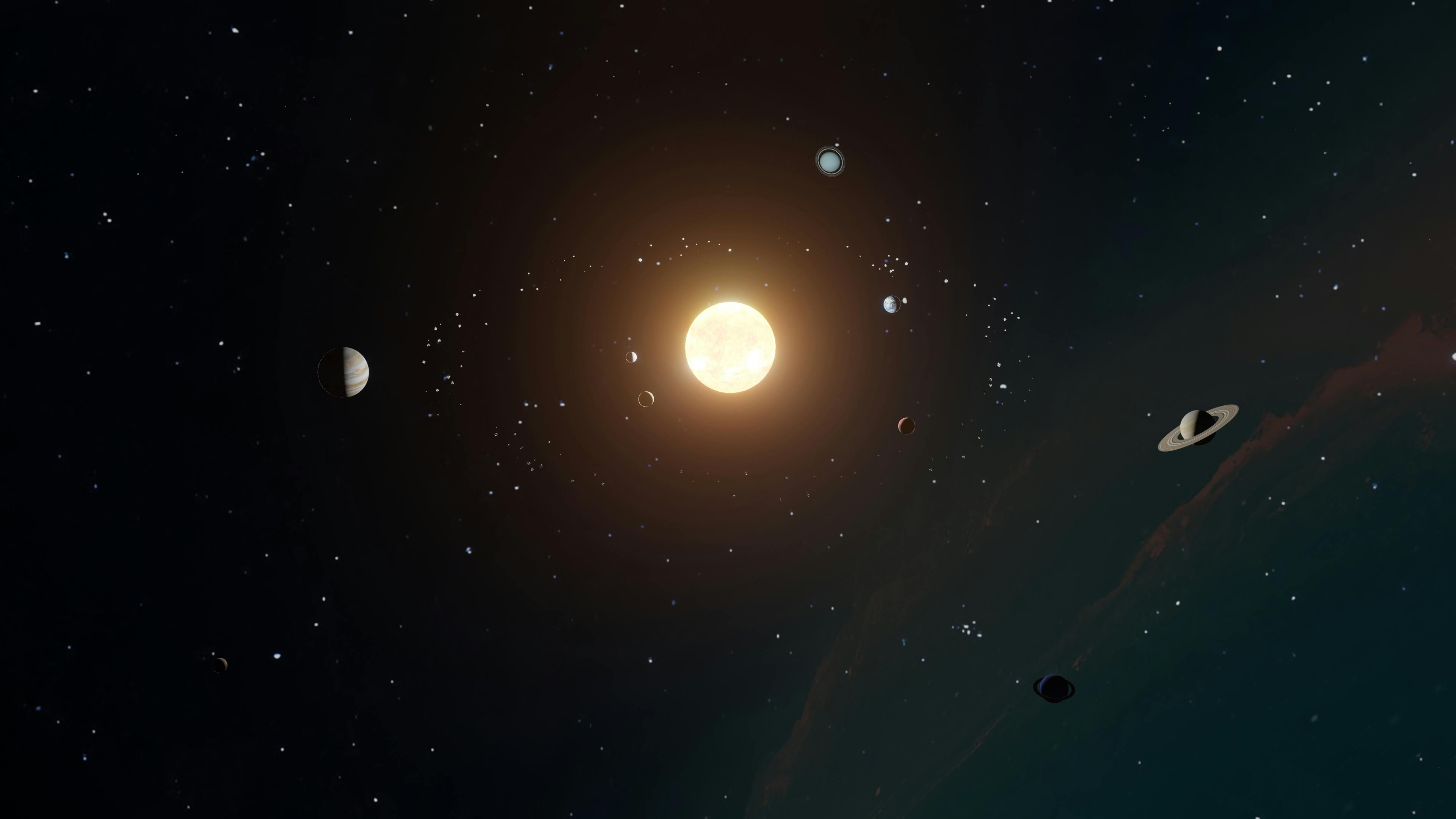
You can build our whole solar system. Sun at the center, Mercury through Neptune, each orbiting at its own distance and speed.
Worth noting: the plugin is for visualization, not scientific simulation. The orbits look right but may not match real astronomical data exactly. For a classroom, that’s totally fine.
Spacetime fabric
This might be the most interesting feature. It’s also one of the hardest concepts to explain without a visual.
The plugin creates a grid that represents spacetime. Flat at first. Then you add a massive object, like a star or black hole, and the grid bends around it, creating a well.
Now students can see gravity not as a force pulling things, but as curved space guiding how objects move. This visual is what made Einstein’s ideas click for a lot of people when they first saw it.
Why use it?
Space is big, and most of it is invisible. You can’t see gravity. You can’t see an orbit. You can’t see why planets speed up and slow down.
But you can animate it. When students see a planet sweeping through its orbit, Kepler’s laws make sense. When they see spacetime bend around a black hole, general relativity becomes intuitive.
The hard part
Manim-astronomy is still Python code. You need to learn the classes (Planet, Star, SpaceTimeFabric, EllipticalOrbit), position objects in 3D space, set up cameras and lighting, and debug when things don’t work.
For teachers who just want to explain astronomy, that’s a lot of overhead.
Animo can help
Animo writes Manim code for you. Describe what you want in plain English, and it writes the Python.
It works as an extension in your code editor (VS Code, Cursor, Windsurf, Kiro). Install it and start describing your scenes.
Want a planet orbiting a star? Type “create a blue planet orbiting a yellow star in an elliptical path.” Want spacetime curving? Type “show a grid that bends around a massive object like a black hole.”
Animo understands manim-astronomy. It knows the classes, the parameters, the 3D positioning.
A note on accuracy
The plugin creators are clear: manim-astronomy is for visualization, not scientific accuracy. If you need precise simulations for research, use dedicated astronomy software. For explaining concepts in a way students remember, this works well.
Learn more
Check out the official documentation for technical details.
Or head to Animo and start creating space animations.